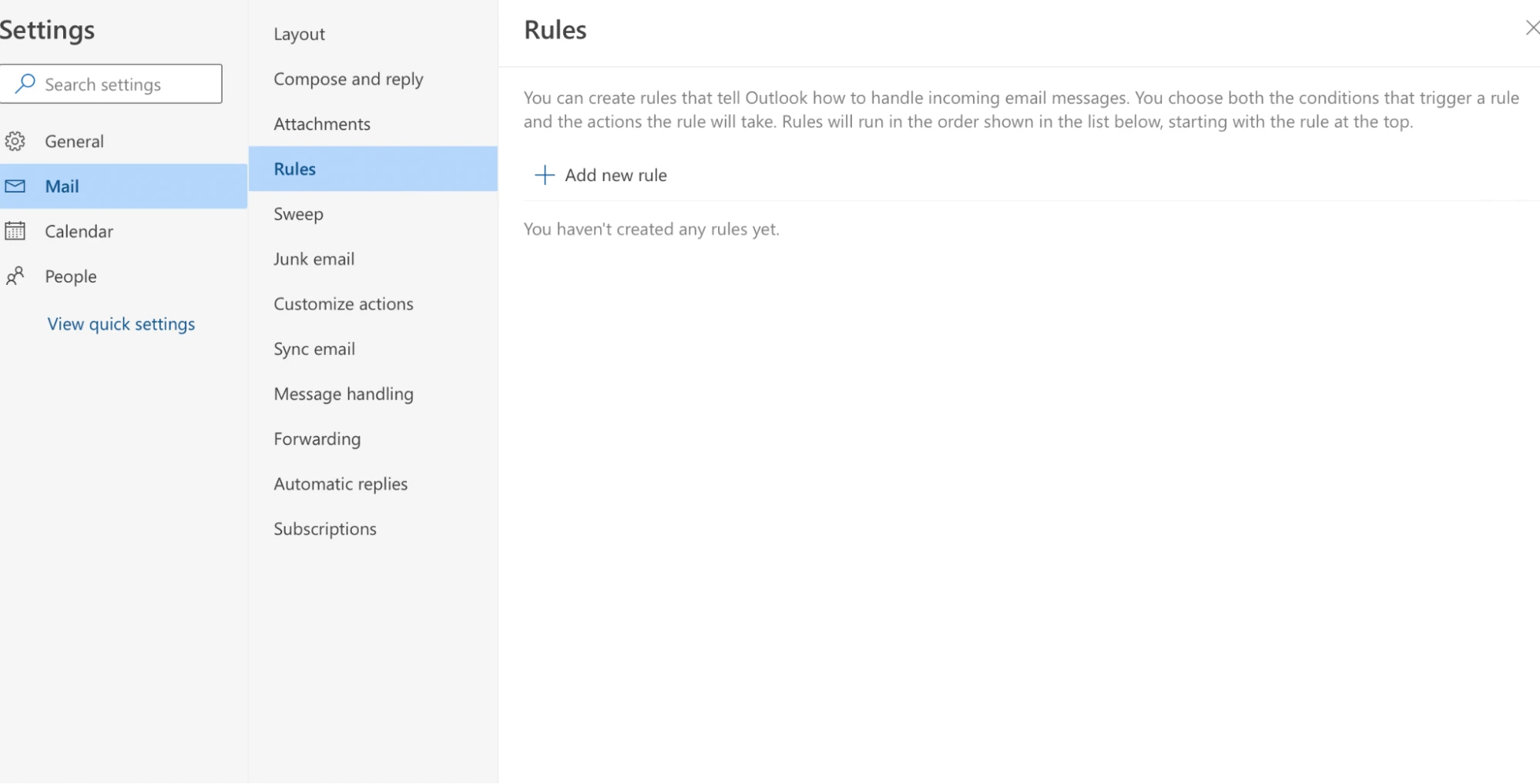
Person clicks 'Rules' in Outlook ribbon, dropdown menu appears with 'Create Rule' option highlighted in blue.
Download Worksheet Asset
Open Original ImageDirect resource link. Right-click and choose "Save Image As" to save locally.
This asset belongs to Outlook Create Rules published by Independent ClipArt. Distributed under the CC BY 4.0 — Free for personal use license.